
Microsoft Office Home 2024 Review: Classic Productivity, One-Time Purchase Peace of Mind
Overview
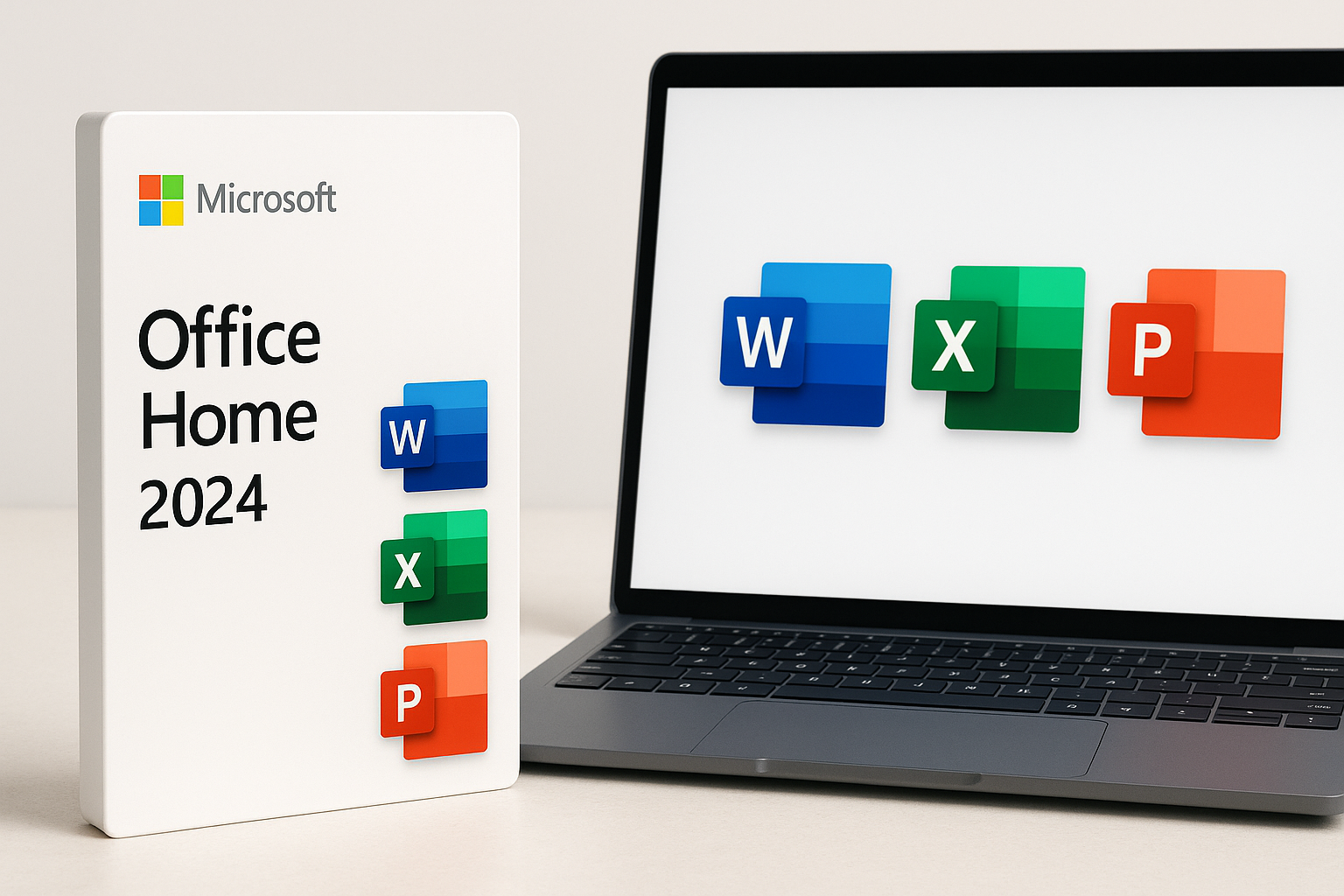
Microsoft Office Home 2024 is designed for users who want the familiar, full desktop versions of Word, Excel, and PowerPoint without committing to an ongoing subscription. Sold as a one-time purchase for a single Windows PC or Mac, it delivers the classic Office experience with local installation and offline capability, making it appealing to home users, students, and small offices that prefer a stable toolset and predictable ownership model.
Unlike Microsoft 365, which bundles cloud storage, collaboration features, and continuous feature updates under a recurring fee, Office Home 2024 focuses on the core trio of productivity apps in their 2024 iteration. Once activated, you own this version for the life of the device, receiving security and reliability updates but not new features or future version upgrades.
It is typically offered on Amazon at around $179.97, making it a mid-range productivity investment for users who plan to stick with the same device and don’t need Microsoft’s latest AI and cloud-first capabilities.
Key Highlights
- One-time purchase for a single device (Windows laptop or Mac)
- Classic 2024 versions of Word, Excel, and PowerPoint
- Local installation with full offline functionality once activated
- Perpetual license for the installed device (no recurring subscription)
- Ideal for long-term use if you don’t need frequent new features
- Streamlined feature set compared with Microsoft 365—no bundled cloud storage or advanced collaboration tools
Core Features
1. Classic 2024 Desktop Apps
Office Home 2024 includes the core applications most users rely on daily:
- Word 2024 – Feature-rich word processing with support for advanced formatting, styles, mail merge, references, and templates. It’s suitable for everything from essays and reports to newsletters and basic desktop publishing.
- Excel 2024 – Spreadsheet software for data analysis, budgeting, and reporting, with support for formulas, charts, pivot tables, and conditional formatting. For typical home and small-business workloads, its capabilities are more than sufficient.
- PowerPoint 2024 – Presentation tool with slide layouts, transitions, animations, and media integration. Ideal for classroom presentations, work decks, and personal projects alike.
These are full desktop apps, not browser-based versions. They run locally on your machine with performance dependent largely on your hardware rather than your internet connection.
2. One-Time Purchase Licensing
Office Home 2024 uses a perpetual license model:
- You pay once (around $179.97 on Amazon at the time of writing) and can use this version indefinitely on the single device it’s activated on.
- You receive security and stability updates, but no major feature upgrades to future versions. When Microsoft eventually releases the next on-premise Office generation, upgrading would require a new purchase.
- The license is bound to one Windows PC or Mac. Transfers may be limited and are subject to Microsoft’s license terms; you should plan as if it will live with the same machine for its useful life.
For users frustrated with ongoing subscription charges, this model can be financially attractive over a multi-year horizon, especially if you typically skip every other Office version.
3. Offline-First Productivity
Because these applications are installed locally, they work fully offline once installed and activated:
- You can create, edit, and save documents without an internet connection.
- Activation generally requires connectivity at least once, and certain features (like template galleries or online help content) remain online-dependent, but day-to-day document work does not.
This makes Office Home 2024 well-suited to laptops that frequently travel or environments with limited or unreliable internet access.
4. Compatibility and File Support
Office Home 2024 supports the familiar .docx, .xlsx, and .pptx formats, ensuring broad compatibility with:
- Earlier versions of Microsoft Office
- Microsoft 365 users
- Many third-party Office alternatives
Files created in Office Home 2024 can be easily shared across organizations and platforms, and users coming from older Office versions will find the interface evolution incremental rather than jarring.
Usage Experience
Installation and Activation
Buying via Amazon typically provides you with a digital license key and a download link:
- You redeem the key using your Microsoft account.
- You download the installer for Windows or macOS.
- The apps activate the first time you sign in.
Most users report a straightforward installation process, provided they:
- Use the same Microsoft account they used for purchase and redemption.
- Remove any conflicting or trial Office installs before installing Office 2024.
Performance in Daily Use
Once installed, the apps behave like any modern desktop software suite:
- Responsiveness is generally strong on current hardware; document opening, editing, and saving are quick for typical file sizes.
- Stability is good, with minor bugs occasionally patched via updates.
- User interface follows Microsoft’s ribbon-based design, so anyone familiar with Office 2016/2019/2021 or Microsoft 365 will adapt rapidly.
Feature Coverage for Typical Users
For home and student use, Office Home 2024 is comfortably capable:
- Writing essays, resumes, and reports
- Managing personal budgets, simple business spreadsheets, and basic data analysis
- Building slide decks for meetings, classes, or events
For small businesses, it covers core needs like invoices, internal reports, and presentations. However, those relying heavily on cloud collaboration, shared calendars, or advanced analytics may feel the absence of Microsoft 365 features.
Strengths
-
No Subscription Required
The most compelling advantage is the one-time payment model. Over several years, this can be more economical than an ongoing Microsoft 365 subscription—especially if you primarily use Word, Excel, and PowerPoint on a single device. -
Reliable Offline Use
Because everything is locally installed, you can work anywhere without worrying about connectivity or browser access. This is valuable for travel, fieldwork, or locations with spotty internet. -
Mature, Familiar Interface
Office Home 2024 continues Microsoft’s well-established interface. If you’ve used any recent Office version, there’s almost no learning curve. This is particularly important for workplaces or households where training time is limited. -
Strong File Compatibility
Full support for standard Office file formats ensures easy sharing with colleagues, schools, or clients who use Microsoft 365 or earlier Office versions. -
Predictable Long-Term Use
Once purchased and activated, you can rely on the suite for years without worrying about subscription renewals or surprise feature removals. Security updates help keep the software viable through its support lifetime.
Weaknesses
-
Limited to One Device
The license is tied to a single Windows laptop or Mac. If you want Office on multiple computers—or on additional tablets and phones—Microsoft 365 may be more flexible and cost-effective. -
No Included Cloud Storage or Collaboration Tools
Office Home 2024 does not bundle OneDrive storage, advanced collaboration, or services like Microsoft Teams. You can still manually sync files via third-party cloud services, but you won’t get Microsoft’s integrated real-time co-authoring and sharing features by default. -
No Ongoing Feature Upgrades
While you receive security patches and reliability fixes, major new features and AI enhancements are generally reserved for Microsoft 365. Over time, your 2024 apps may look and feel dated compared with the subscription-based versions. -
Upfront Cost
Compared with low monthly subscription prices, the upfront outlay of around $179.97 can feel steep—even if it pays off over several years of use. -
Potential Activation Confusion
Some buyers encounter confusion between one-time purchase Office and Microsoft 365 trials or promotions. It’s important to follow Microsoft’s official activation steps and ignore prompts that attempt to steer you toward additional subscriptions unless you explicitly want them.
Suitable Scenarios
Office Home 2024 is best suited to users who value stability, offline capability, and ownership over constant upgrades.
Ideal For
- Single-device households and individuals who primarily work on one Windows laptop or Mac and don’t need Office on multiple systems.
- Students who want reliable tools for documents, spreadsheets, and presentations throughout a degree program without recurring fees.
- Home users managing personal finances, correspondence, and occasional presentations.
- Very small businesses or sole proprietors whose collaboration needs are modest and who primarily exchange files via email or simple cloud-sharing rather than real-time co-authoring.
- Users with intermittent or unreliable internet access, where locally installed, offline-ready apps are a necessity.
Less Ideal For
- Families or multi-device users needing Office on several PCs, Macs, tablets, and phones.
- Teams that rely on real-time collaboration, shared cloud storage, and frequent feature updates. In those cases, Microsoft 365 Personal or Family is typically a better fit.
- Power users seeking the latest AI features (like advanced Copilot integration) and continuous innovation.
Final Evaluation
Microsoft Office Home 2024 is a thoughtfully targeted option for users who want the reassurance of a one-time purchase and the familiarity of classic desktop apps. It delivers:
- A solid, full-featured set of core productivity tools (Word, Excel, PowerPoint)
- Strong offline performance and file compatibility
- Predictable long-term use without subscription overhead
The trade-offs are clear but manageable: no bundled cloud services, limited device flexibility, and no ongoing infusion of new features. If you are comfortable living with the 2024 feature set for several years and primarily use one computer, the upfront investment of around $179.97 can represent good value.
If, however, you need Office on multiple devices, depend heavily on real-time collaboration, or want access to Microsoft’s latest AI and cloud enhancements, a Microsoft 365 subscription will likely serve you better.
For buyers who know they simply need a reliable, familiar Office suite on a single Windows laptop or Mac—and who want to avoid subscription creep—Microsoft Office Home 2024 is a sensible, stable, and professionally capable choice.